 Celebrate with up to 80% off
Best VPN for Amazon Fire TV and Fire Stick
- Enjoy high-speed connections on your Fire TV
- Use your apps with added privacy
- Try a risk-free Fire Stick VPN today
30-day money-back guarantee for first-time users

Get a Fire Stick VPN in 3 easy steps
-
![How to sign up for ExpressVPN]()
Step 1
Sign up for an ExpressVPN subscription on the order page.
-
![Step 2 of setting up VPN for Smart TVs.]()
Step 2
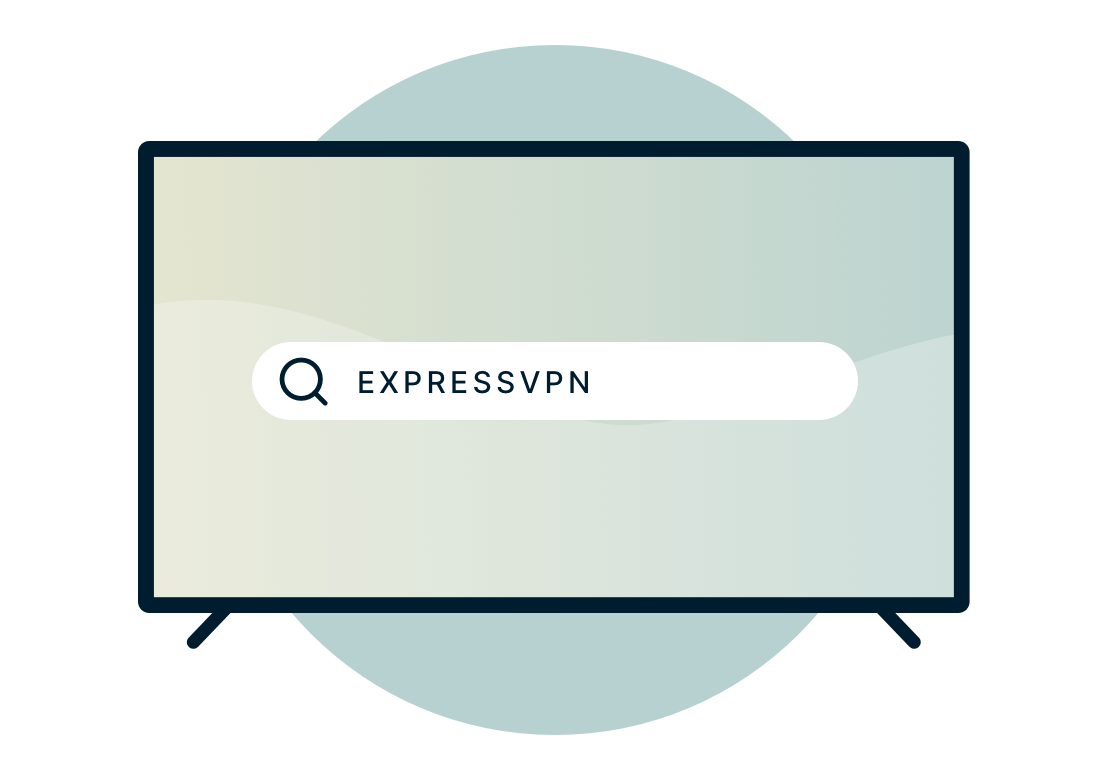
Type “ExpressVPN” in the search bar of your Fire device. Select the app and download it.
-
![Television screen with Amazon Fire TV logo.]()
Step 3
Sign in to your ExpressVPN account, then connect to a secure server for private use on your Fire TV!

How to install ExpressVPN on Amazon Fire TV Stick

One VPN for every Amazon device
Looking for an easy streaming VPN for Fire Stick or Fire TV? ExpressVPN is your best bet, with simple and intuitive apps for virtually every Amazon device
- Fire TV Stick 4K and 4K Max
- Fire TV Stick 2nd and 3rd Generation
- Fire TV 2nd and 3rd Generation
- Fire TV Cube
If you don’t want to install ExpressVPN on your Fire device, you can also try screen mirroring from another device with ExpressVPN installed. Note: Fire TV 1st Generation is not compatible with any VPN.
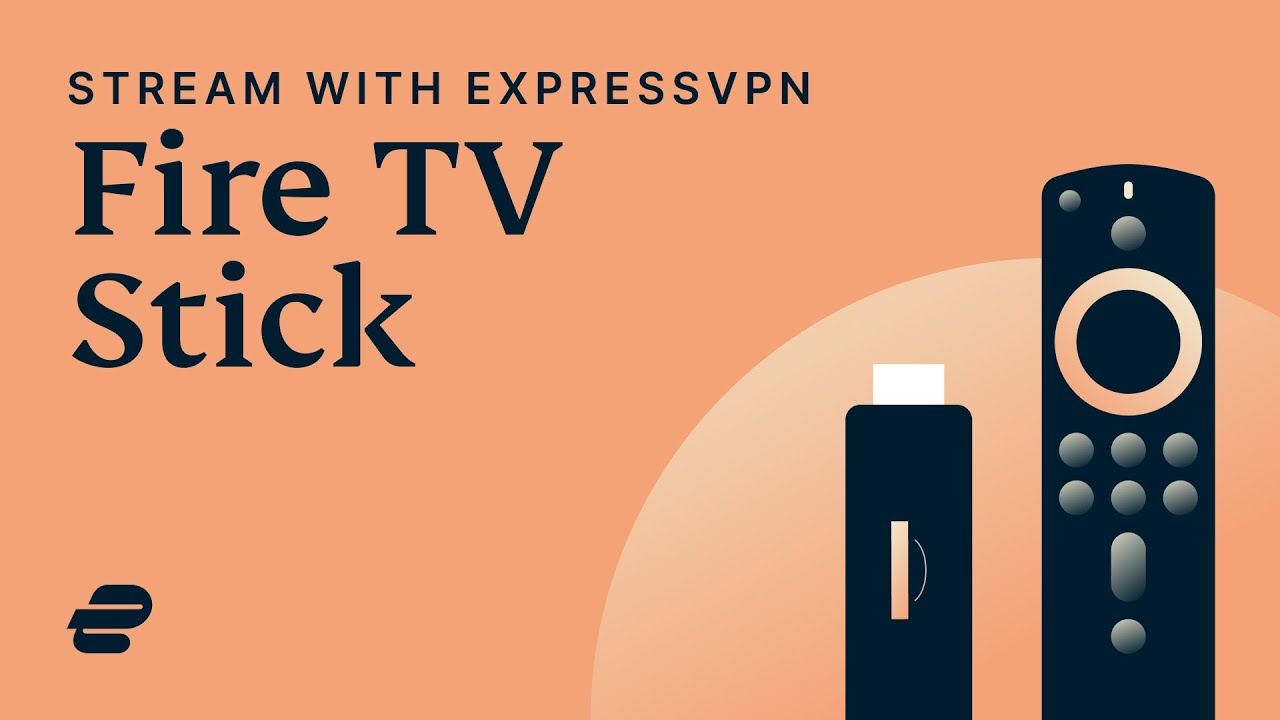
How to use a Fire Stick VPN
FAQ: Amazon Fire Stick VPN
What does a VPN app for Fire Stick do?
Do I need a VPN app on my Fire Stick device?
Can I use ExpressVPN with Fire Stick?
- Fire TV Stick 4K and 4K Max
- Fire TV Stick 2nd and 3rd Generation
- Fire TV 2nd and 3rd Generation
- Fire TV Cube
If you don’t want to install ExpressVPN on your Fire device, you can also try screen mirroring from another device with ExpressVPN installed.
Can I use ExpressVPN on other devices at the same time?
Does ExpressVPN keep logs?
How do I install ExpressVPN on Fire TV Stick
- Open Amazon Appstore.
- Search for ExpressVPN.
- Select Download.
- Once ExpressVPN is installed, select Open.
If you cannot access the Amazon Appstore, or if you can’t find the ExpressVPN app on the Amazon Appstore, you can sideload the ExpressVPN Android APK on your Fire TV Stick instead.
Does ExpressVPN work on all Fire TV Stick generations?
- Fire TV Stick 4K and 4K Max
- Fire TV Stick 2nd and 3rd Generation
Can I use ExpressVPN on Fire TV Cube?
- Fire TV Stick 4K and 4K Max
- Fire TV Stick 2nd and 3rd Generation
- Fire TV 2nd and 3rd Generation
Should I use a free VPN on Fire Stick?
How should I choose a Fire Stick VPN?
Will a VPN stop buffering?
How can I update my Fire Stick ExpressVPN app?
- Open Amazon Appstore.
- Search for ExpressVPN.
- If an update is available, you should see an Update button.
- Select Update.
If you downloaded the ExpressVPN by sideloading the APK file, you will need to update it manually to the latest version.
ExpressVPN for Amazon Fire: Key features
-
Prevent network slowdowns
ExpressVPN helps maintain consistent speeds by securing your connection and protecting you from bandwidth-based throttling.
-
Secure connections across networks
ExpressVPN keeps your connection private and reliable across different networks and devices.
-
Optimized for speed
ExpressVPN constantly optimizes servers to deliver the fastest speeds possible.
-
Global network coverage
ExpressVPN provides a wide global network designed for speed and reliability.
-
Superior connection reliability
Enjoy industry-leading connection stability and reliability.
-
Best-in-class encryption
Secure and protect all of your data with best-in-class AES 256-bit encryption.
What People Are Saying About ExpressVPN
I have ExpressVPN on all my devices - phone, laptop, tablet, AppleTV, etc., and absolutely love it.


* A sample of reviews from our most satisfied customers
Got an account with @expressvpn yesterday. Great decision for traveling out of the country!
@D_Geiger

* A sample of reviews from our most satisfied customers
With its consistent performance and reliable security, ExpressVPN is the best VPN out there.

* We sometimes pay expert sites for customer referrals
Try a risk-free VPN for Fire Stick
Love ExpressVPN—or get your money back. *Users who purchased their subscriptions through the Apple App Store (iTunes) or the Google Play Store do not have access to the ExpressVPN 30-day money-back guarantee. Instead, users can request refunds through the App Store or Play Store, at Apple’s or Google’s discretion.